



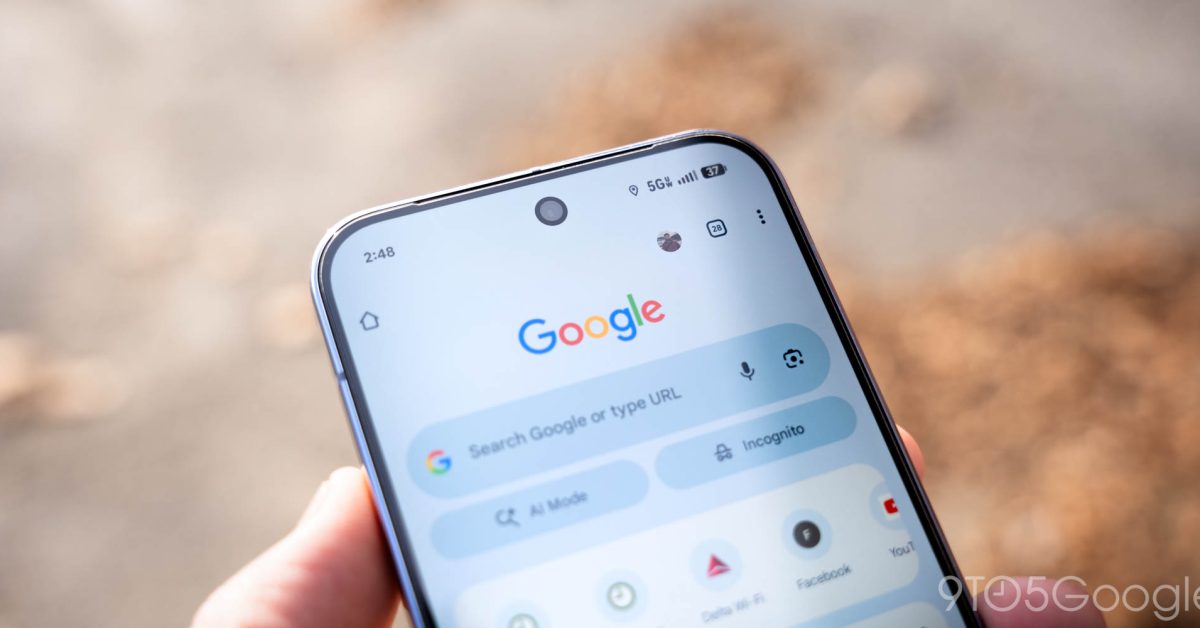
Google Chrome for Android Gets a Fresh Look: Material 3 Redesign
Google is enhancing the user experience on Chrome for Android with a significant redesign of the Settings page, incorporating Material 3’s expressive design. This update aims to improve usability and aesthetics, making it easier for users to navigate their browser settings.
New Design Features
The redesigned Settings page introduces a card-based layout, where each line of text is now enclosed in distinct cards. This change not only modernizes the interface but also enhances readability, as users can easily differentiate between various sections. The new layout features padding on the sides, ensuring that each card stands out against the lighter background.
Improved Usability
Compared to the previous design that utilized line dividers, the new card layout greatly enhances glanceability. Users can quickly skim through settings without feeling overwhelmed. The introduction of more pronounced corners in the first and last cards of each section further adds to the visual appeal, making for a more cohesive look.
Maintaining Familiar Features
While the visual design has undergone transformation, familiar features remain intact. The on/off toggles, for instance, have not changed significantly, ensuring that current users will feel comfortable with their setup. Chrome continues to utilize smaller switches, distinguishing them from the standard Android interface.
Rolling Out the Update
This refreshed look is being rolled out as a server-side update with Chrome version 146. If you haven’t yet experienced the revamp, you may need to force stop Chrome through the App info menu to trigger the changes. This update aligns the look of Chrome’s settings more closely with Android’s Settings app, creating a seamless experience for users.
Previous Enhancements
This latest redesign builds on the updates introduced last fall, which included refinements to the address bar, three-dot overflow menu, and the Tab Grid. Collectively, these updates signify Google’s commitment to enhancing the Chrome browsing experience on mobile devices.
Conclusion
With the new Material 3 design, Google Chrome for Android achieves a more modern and user-friendly interface that not only looks better but also enhances overall functionality. As users adapt to these changes, it’s clear that Google continues to prioritize user experience in its software updates.
