



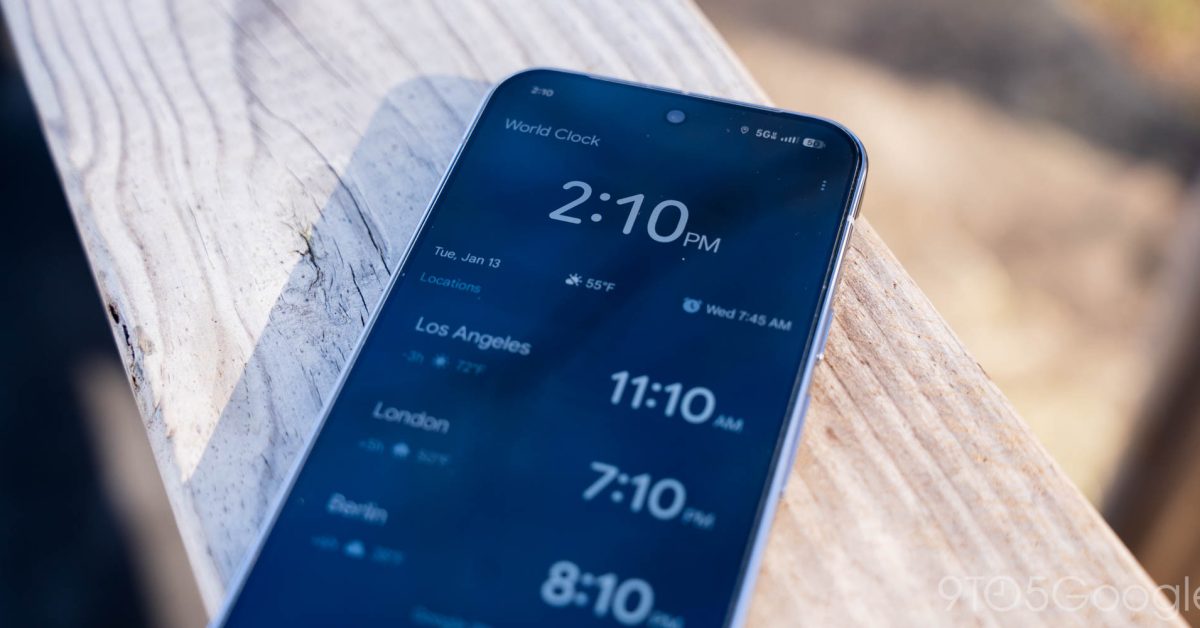
Google Clock Update: Swipe to Dismiss Alarms
Last week, Google rolled out version 8.5 of its popular Clock app for Android, introducing an exciting new feature: the ability to dismiss alarms by swiping. This update enhances user convenience, allowing for a smoother start to your day.
New Dismissal Options
With the latest version, users will receive a prompt explaining how to dismiss alarms with a simple swipe or tap. A new preference labeled “Dismiss alarm with a” can be found in the app’s settings, offering customization for users to tailor their alarm dismissal experience.
Gesture-Based Interaction
This update introduces a gesture-based interaction for alarm dismissal. Instead of the traditional tap, users can swipe to either snooze or stop alarms. The interface features large, pill-shaped buttons styled in Dynamic Color, providing an aesthetically pleasing experience. “Snooze” appears on the left, while “Stop” is positioned on the right, with helpful guide animations that enhance usability.
Enhanced User Experience
The swipe gesture aims to create an engaging experience, especially when waking up. This update builds on the recent Material 3 Expressive update seen in the Phone app, which introduced similar function for incoming calls. Users have reported that this new feature adds a layer of interaction that can be beneficial during those groggy mornings.
Update Rollout
The new swipe feature is being implemented through a server-side update, following the installation of version 8.5. Users with Pixel devices are currently among the first to access this feature, though it is gradually becoming available to a wider audience.
Changes in Visual Design
In addition to the swipe feature, version 8.5 of Google Clock also incorporates a Material 3 Expressive slider, replacing the older Material 2 component. The new design features a thicker, pill-shaped track with a more substantial handle. As users adjust the slider, they will see a range value displayed from 1.00 to 7.00, facilitating easier adjustments.
Conclusion: What’s Next for Google Clock?
The recent updates to the Google Clock app, particularly the addition of swipe functionality, reflect Google’s commitment to enhancing user experience. As always, users can expect future updates that bring more intuitive features and refined designs. Stay tuned for more improvements and make sure to explore the full potential of the updated Google Clock app!
