



Exciting Updates in Minecraft: Join the Mounts of Mayhem Pre-Release 3!
Kick off your gaming week with the latest pre-release of Minecraft: Java Edition, featuring thrilling enhancements to spear weapons and essential bug fixes. Dive into the world of creativity and adventure!
New Features in Spear Weapon Mechanics
The recently unveiled spear weapon brings refreshing changes designed to enhance the player’s experience. One significant update ensures that the hit animation and sound effects trigger only after the preceding hit animation has completed, adding realism to combat sequences.
Additionally, players will appreciate the new first-person view mechanics, where the spear head gradually rotates to a vertical position, mimicking the behavior already available in third-person mode. This subtle yet impactful adjustment enhances immersion during intense gameplay moments.
Gameplay Enhancements
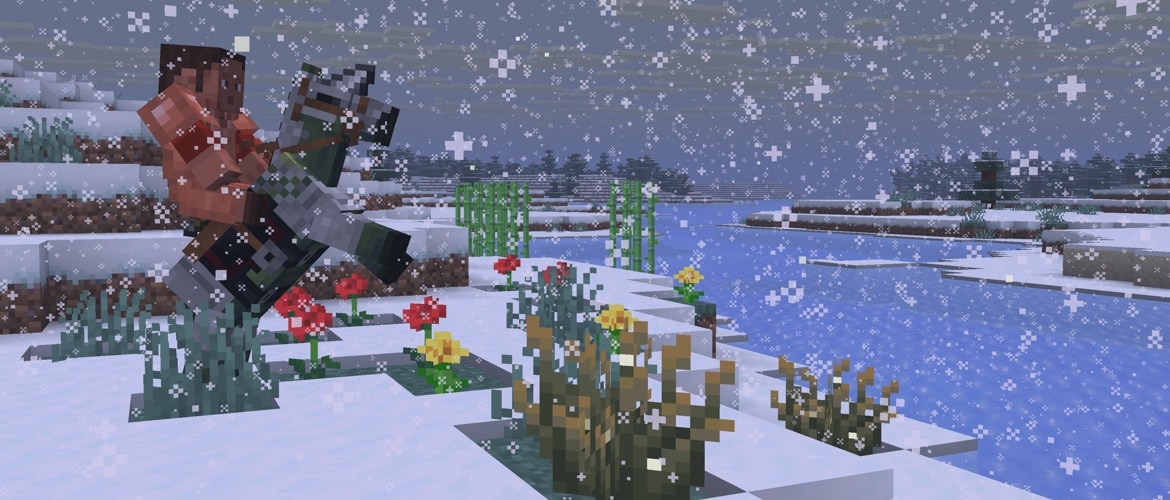
In an effort to improve overall gameplay, several adjustments have been made. The “See-Through Leaves” video setting, previously accessible on the “Fast” graphics preset, has been disabled to optimize performance. Moreover, tamed horses will now navigate smarter, avoiding collisions with cacti and sweet berry bushes, promoting a smoother traversal in the game environment.
Bug Fixes in 1.21.11 Pre-Release 3
This pre-release addresses multiple critical issues that have been reported by players. Noteworthy bug fixes include:
- Resolved the reach of spears that was overriding players’ entity interaction range (MC-302900).
- Fixed negative age zombie nautiluses displaying incorrect hitbox sizes (MC-303036).
- Addressed crashes resulting from dumping dynamic textures (MC-303709).
- Ensured spear hit sounds now correctly reflect intended audio effects (MC-304045).
- Improved rendering issues for copper golem statues in relation to resource packs (MC-304363).
How to Get the Pre-Release
Players can easily access the Pre-Release by opening the Minecraft Launcher and enabling snapshots through the “Installations” tab. Keep in mind that testing versions can potentially corrupt your worlds; thus, backing up your data or using a separate folder for testing is highly recommended.
Explore Non-obfuscated Versions
As Minecraft prepares to remove obfuscation from Java Edition, players can now download a non-obfuscated experimental version of the snapshot. To do this, simply unzip the provided file into your “versions” folder within the Minecraft application data. After restarting the Launcher, create a new installation and select the “unobfuscated 1.21.11 Pre-Release 3_unobfuscated” version.
Community Engagement
Your feedback is invaluable! Participate in shaping the gaming experience by reporting any bugs and sharing your thoughts on the latest updates. Engaging with the community not only helps improve the game but also enriches your own experience.
